
Getting started for new members
As a member of a Wallit wellspace, you'll be able to receive cash back on your debit card spending in Wallit. Our What is Wallit? post and quick start guide will help you learn everything you need to know. Once you’ve checked those out, read on to learn more about downloading the Wallit apps, joining a wellspace, and linking your existing debit card to get a monthly allowance from your company.
Note: To create a Wallit wellspace or learn how to manage one, read our guide for Wellspace Owners and Admins.
Download Wallit's mobile apps
When you download the Wallit mobile apps, you can receive personalized offers from our brands and retailers nationwide, instantly manage your everyday spending, and receive notifications when you receive cash back when you’re on the move.
Go to Wallit's home page to download Wallit’s mobile apps for Android and iOS.
Tip: We offer how-to guides to help you download the app on your computer or mobile device. View guides for iOS or Android.
Join a Wallit wellspace
A wellspace is a company’s shared wellness hub, where team members work together to improve their organizational well-being and work-life integration. You can join an existing Wallit wellspace in two ways:
If you're new to Wallit and received an email invitation, accept the invitation and sign up for Wallit.
If you're an existing Wallit member, all you need to do is sign in to your Wallit account up with an approved email address. This is the email address that your Team Owner or Admin used to invite you and likely your work email address.
When you join a wellspace, we’ll guide you through the process of setting up your account. We’ll ask you to enter your full name, a display name, and a password so you can sign in and out with ease.
Note: If you’re having trouble finding your email invitation or can’t find your wellspace in Wallit, you can contact us at help@wallit.app and we will resend you your invitation and assist you to find any wellspaces available for you to join.
Set up your profile
Building out your Wallit profile with fun facts and a clear profile photo will help other people in your wellspace learn more about you. Your profile will have the information you entered when you created your account, but some wellspaces may have additional profile fields for you to fill out.
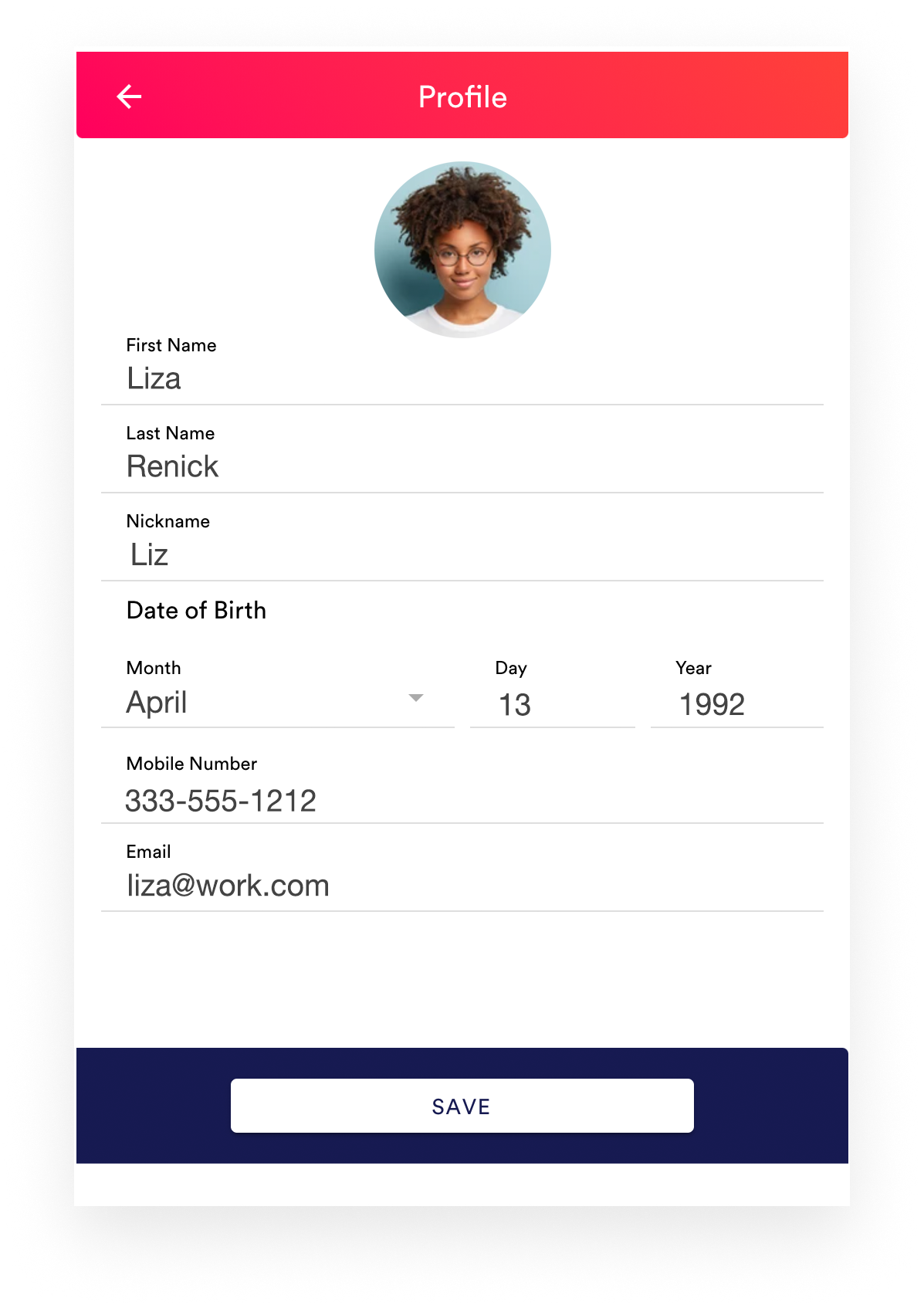
As your company grows, profiles are the easiest way to tell who’s who and find each other. You can use profiles to share benefit ideas, interesting products and services, office locations, even coming soon peer-to-peer transfer money movement. Let us know if you would like to participate in our beta program by sending us an email.
What's next?
Connect your checking account today and join your teammates in your wellspace to make sure you’re getting all you need to improve your work-life integration.
Once you know how to link your debit card, learn how to get automatic cash back on your everyday purchases.
Note: In Wallit, when you connect your checking account, you are linking your debit card which enables you to get automatically reimbursed by your employer-funded monthly allowance as well as receive cash back from our participating brands and retailers
Keep learning: Find detailed how-to articles in our Help Center (hey, you’re already here!) or dig in to our Wallit 101 lessons.
Wallit
Where wellness happens.