
Upgrade or downgrade a paid plan
Who can use this feature?
Owners and Admins can manage their Wellspace invitations.
Free, Plus, and Enterprise plans.
Wellspace Owners and Admins who upgraded a wellspace can make plan changes. Here are the options available:
Upgrade from the Standard plan to the Plus plan
Downgrade from the Plus plan to the free version of Wallit
Note: If you're currently using a paid plan on a free trial, you may need to contact us to downgrade your plan.
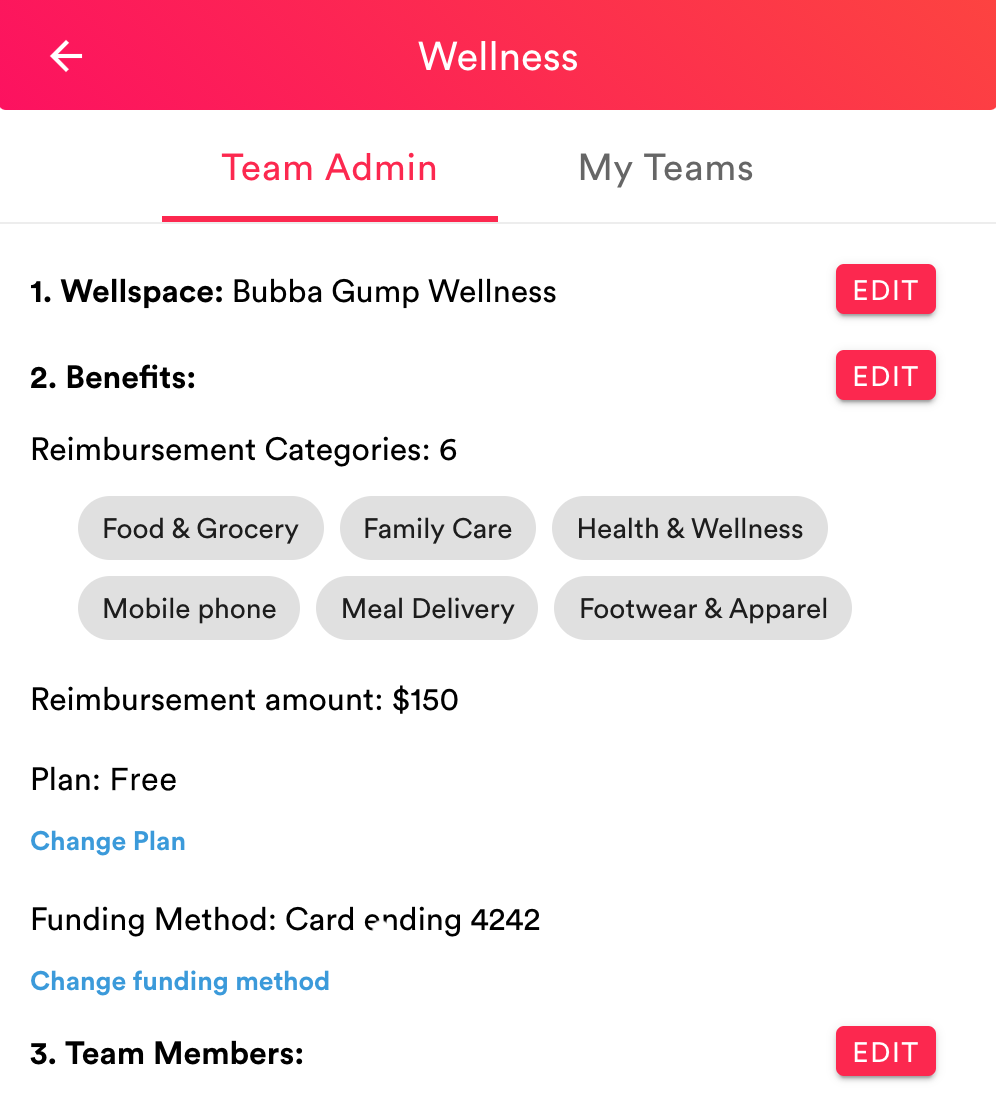
Upgrade to paid plan
Example Screenshot
Desktop
From your desktop, go to your Wallit wellspace.
Click the Menu button (three horizontal lines) in the upper left corner.
Click Wellness from the menu options.
Click the Change Plan link in the "2. Benefits" section.
Click the Yes button to confirm upgrade to Plus plan.
Mobile - iOS and Android
From your mobile device, open your Wallit app.
Tap the Menu button (three horizontal lines) in the upper left corner.
Tap Wellness from the menu options.
Tap the Change Plan button in the "2. Benefits" section.
Tap the Yes button to confirm downgrade to Plus plan.
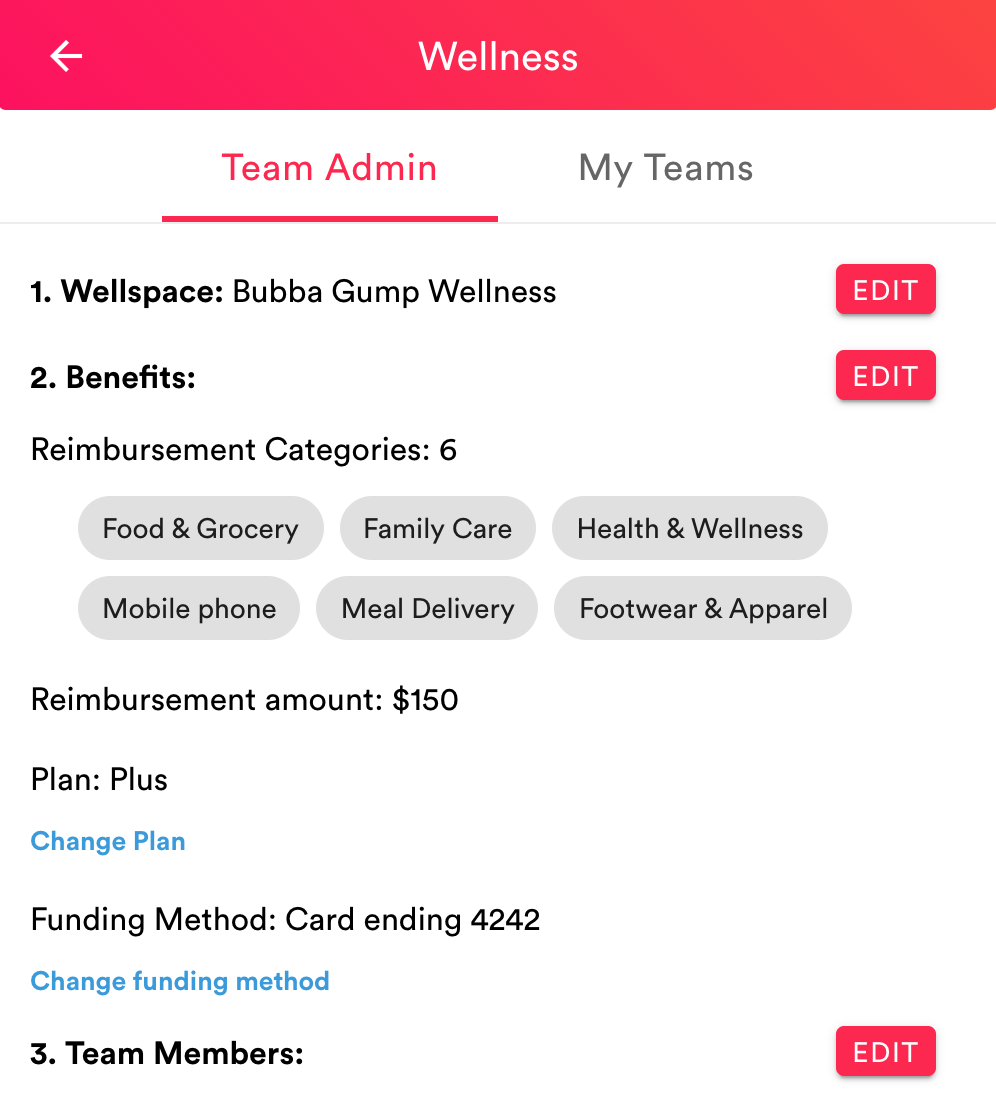
Downgrade to free plan
Example Screenshot
Desktop
From your desktop, go to your Wallit wellspace.
Click the Menu button (three horizontal lines) in the upper left corner.
Click Wellness from the menu options.
Click the Change Plan link in the "2. Benefits" section.
Click the Yes button to confirm downgrade to Free plan.
Mobile - iOS and Android
From your mobile device, open your Wallit app.
Tap the Menu button (three horizontal lines) in the upper left corner.
Tap Wellness from the menu options.
Tap the Change Plan button in the "2. Benefits" section.
Tap the Yes button to confirm downgrade to Free plan.
Please contact us for more information.
Wallit
Where wellness happens.