
Tax Withholdings: A Comprehensive Guide
In the complex world of employee benefits, Wallit stands as a valuable tool, assisting companies of all sizes in optimizing their taxable and non-taxable benefits programs. In collaboration with several tax and accounting professionals, we've prepared this informative content for your perusal. However, please be aware that the following information is purely educational and should not substitute professional advice in tax, legal, or accounting matters. We highly recommend consulting with your own experts before engaging in any financial transactions.
Understanding the Distinctions
Before diving into the nitty-gritty of tax withholdings, it's impportant to grasp the distinctions between pre-tax, taxable, and non-taxable benefits and their corresponding tax implications. To delve deeper, explore these resources:
Withholding Taxes for Taxable Reimbursements
When it comes to reimbursements classified as taxable, they are considered as taxable income and require taxes to be withheld. The timing of the tax obligation follows a cash basis approach (e.g., eligible expenses incurred in December 2022 but reimbursed in January 2023 are taxable in FY 2023). The IRS does not demand documentation like receipts for taxable reimbursements, meaning you aren't required to maintain purchase records for tax purposes. However, keeping such records can prove useful for HR administration purposes.
Tip: Maintain organized records of your taxable reimbursements and related expenses, even if they aren't required by the IRS. These records can be valuable not only for tax purposes but also for efficient HR administration and tracking employee benefits.
Administering Tax Withholdings
To manage tax withholdings effectively and communicate the implications to your team, follow these steps:
Payroll Instructions
As reimbursements are processed by Wallit and not your payroll provider, it's essential to periodically inform your payroll provider to ensure taxes are withheld correctly. Most payroll providers offer automated workflows for this process, and they may refer to it using various terms such as imputed income, fringe benefits, miscellaneous income, perks, or gift cards. Regardless of the terminology, the taxes will be withheld appropriately.
Instructions and Report Templates
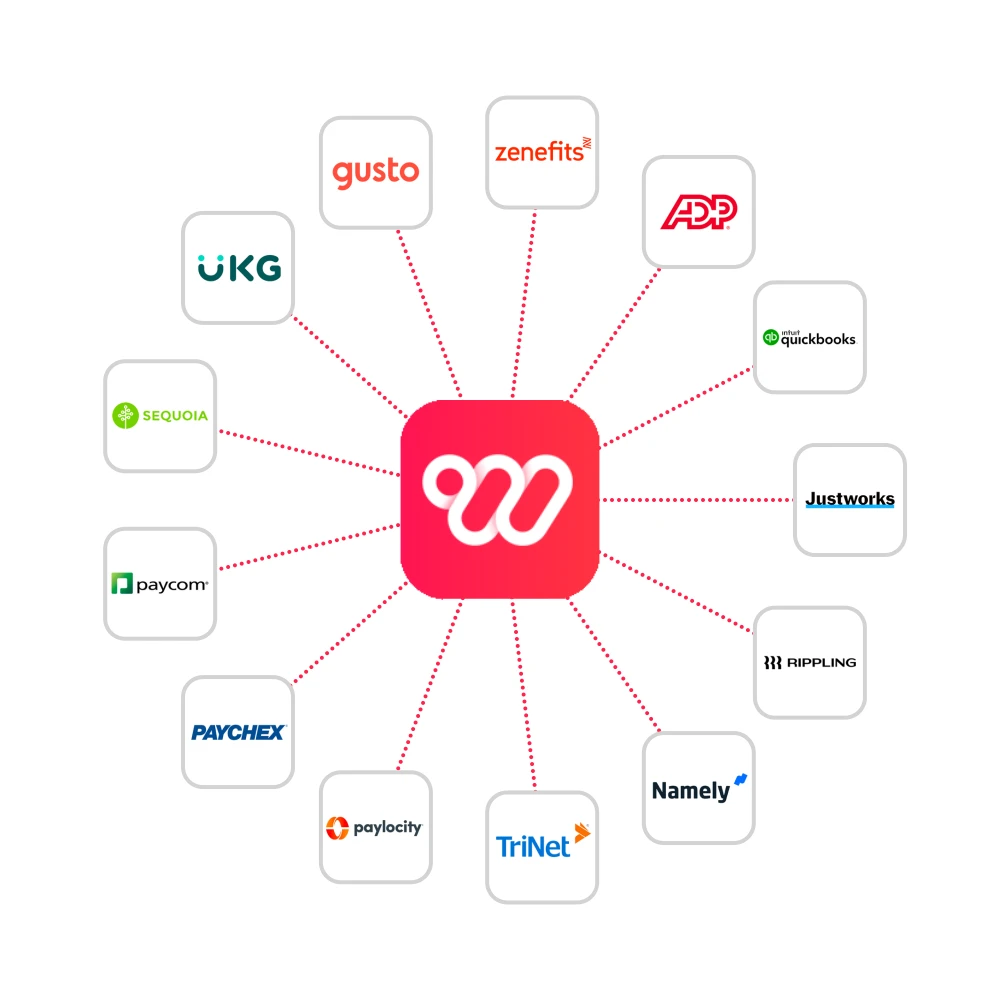
We've compiled a helpful resource to simplify your life. Depending on your payroll provider, you'll find tailored instructions and report templates:
Platform | Instructions | Templates | Grossing Up Support |
|---|---|---|---|
Justworks | Help center: Recording fringe benefits in bulk | Not supported | |
Rippling | Help center: How to add imputed pay via CSV and bulk import via CSV | Not supported | |
Namely | Confirm with your Wallit account manager | Not supported | |
TriNet | Help center: Fringe benefit instructions | - | Contact CX Partner |
Paylocity (Carbon) | Instructions below, but report templates are not yet available | - | Not supported |
Paychex | Instructions below. | - | Not supported |
Paycom | Create earning code and use Paycom's TAIO3_Import_Template | Paycom Template (Payroll TAI03 File) | Not supported |
Sequoia | Log into HRX > Connect > Fringe Benefits article | - | Not supported |
UKG (Kronos) | Create a new earnings code for imputed pay and bulk import imputed pay | - | Not supported |
Gusto | Help center: Add fringe benefits and report imputed pay (use retroactive process) | - | Not applicable |
Zenefits | Help center: Create custom earnings type for imputed income | - | Not supported |
ADP (Workforce Now) | Help center: Apply taxable fringe benefits with Deduction Code Y | - | Not supported |
Quickbooks | Help center: Add fringe benefits to pay checks | - | Not supported |
Detailed Instructions
Paylocity (Carbon)
Step 1: After logging into Paylocity, navigate to Configuration > Payroll > Earnings, scroll to the bottom and click Add
Step 2: Complete the fields as the following:
Earnings Code: EWALLIT
Description: WALLIT
Earnings type: Standard
Matching Ded Code?: Checked
Click Save
Step 3: Confirm with your Wallit account manager to provide your breakdown report in the designated Paylocity Universal Time Import spreadsheet here.
Step 4: Once complete, delete the first row of the Universal Time Import tab (highlighted in yellow). Import cannot contain any column headers.
Step 5: Save as a .csv file to a location you can find easily.
Step 6: Log into WebPay and import the Paylocity Time Import file into WebPay.
Paychex
To automatically bulk import and record reimbursements as manual checks without net pay, inform your Paychex Account Manager.
To run withholding within Flex, follow these steps:
Grid View
Creating Gross to Net Checks in Grid View
Here's how to handle gross to net checks in the Grid View.
Open the payroll in the Payroll Center.
Switch to List/Group view.
Hover over an employee's check, click Check Details, and select Add Check.
Choose Pre-Calculated Check, then Gross to Net (opens Check 2).
Enter Hours/Amounts and add items using + Add Items.
Click Calculate.
Select your action under What Do You Want To Do Now?:
Update YTD Amounts: For in-house checks without employee payments.
Click Save.
Remember, separate Gross to Net checks from regular employee checks using + Add Check on the payroll screen.
List/Group View
Creating Gross to Net or Net to Gross Checks in List/Group view
Learn how to manage these checks in the List/Group view.
Open the payroll in the Payroll Center.
Switch to List/Group view.
Hover over an employee's check, click Check Details, and select Add Check.
Choose Pre-Calculated Check, then Gross to Net (opens Check 2).
Enter Hours/Amounts and add items using + Add Items.
Click Calculate.
Select your action under What Do You Want To Do Now?:
Update YTD Amounts: For in-house checks without employee payments.
Click Save.
Remember, separate Gross to Net checks from regular employee checks using + Add Check on the payroll screen.
TriNet
Step 1: Send your CX Partner your standard breakdown report from Wallit with taxable reimbursements by employee, and request imputed income with code “FB1” for fringe benefits.
Step 2: Decide whether you want benefits recipients to have taxes withheld or if you’d prefer to gross up their taxes. Inform your CX partner of your decision.
Should you need assistance with this, you can contact your assigned TriNet payroll resource (often referred to as your CX Partner) to help process.
Help center: Fringe benefit instructions
Payroll Providers Still in Progress
We're diligently working to provide instructions for the following payroll providers. Please connect your Wallit account manager with your payroll account manager for further guidance:
BambooHR
Insperity
Octagon
Procare
Workday
Wurk
Tax Frequency
While the IRS doesn't mandate a specific frequency for withholding taxes for taxable benefits as long as it is done before issuing a W-2 each year, it's advisable to do so more frequently than annually to minimize tax impact. The following is a good rule of thumb.
Withhold taxes monthly if all of the following are true:
You have benefits recipients in CA, HI, NJ, OR, MN, DC, NY.
Your cumulative taxable benefits allowance is at least $75/month.
Your average compensation is at least $100,000/year.
Otherwise, withhold taxes quarterly.
Grossing Up
Some employers opt to generously provide additional compensation to benefits recipients to offset their tax burdens. This practice reduces the tax burden on employees and simplifies tax expectations.
Not all payroll providers make it possible to gross up taxes. If you are interested in doing so, review this detailed explanation of the ramifications and ask your payroll account manager for guidance.
In conclusion, navigating tax withholdings for employee benefits can be a complex task. However, with the right resources, information, and guidance, you can streamline the process and ensure compliance with tax regulations. Should you have any questions or need further assistance, don't hesitate to reach out to your Wallit account manager. They're here to help you every step of the way.
This information is for reference purposes only and should not be considered as a substitute for professional tax, legal, or accounting advice. It is advisable to seek guidance from your own tax, legal, and accounting experts before proceeding with any transactions.